.jpeg)
DealRoom over Excel



A head-to-head comparison of DealRoom’s purpose-built M&A software vs. Excel’s generic spreadsheets.

Why M&A Teams Choose DealRoom Over Excel
.webp)
Purpose-Built for M&A Workflows
Built from the ground up for M&A teams, DealRoom comes complete with workflows for pipeline tracking, due diligence, and integration planning. DealRoom helps deal teams focus on executing deals instead of using generic spreadsheets as catch-all documents.
.png)
Automate Your Deal Process
DealRoom automates tasks, tracking, requests, reminders, and reporting so your deal process can scale without adding spreadsheets, manual tasks, or operational overhead.
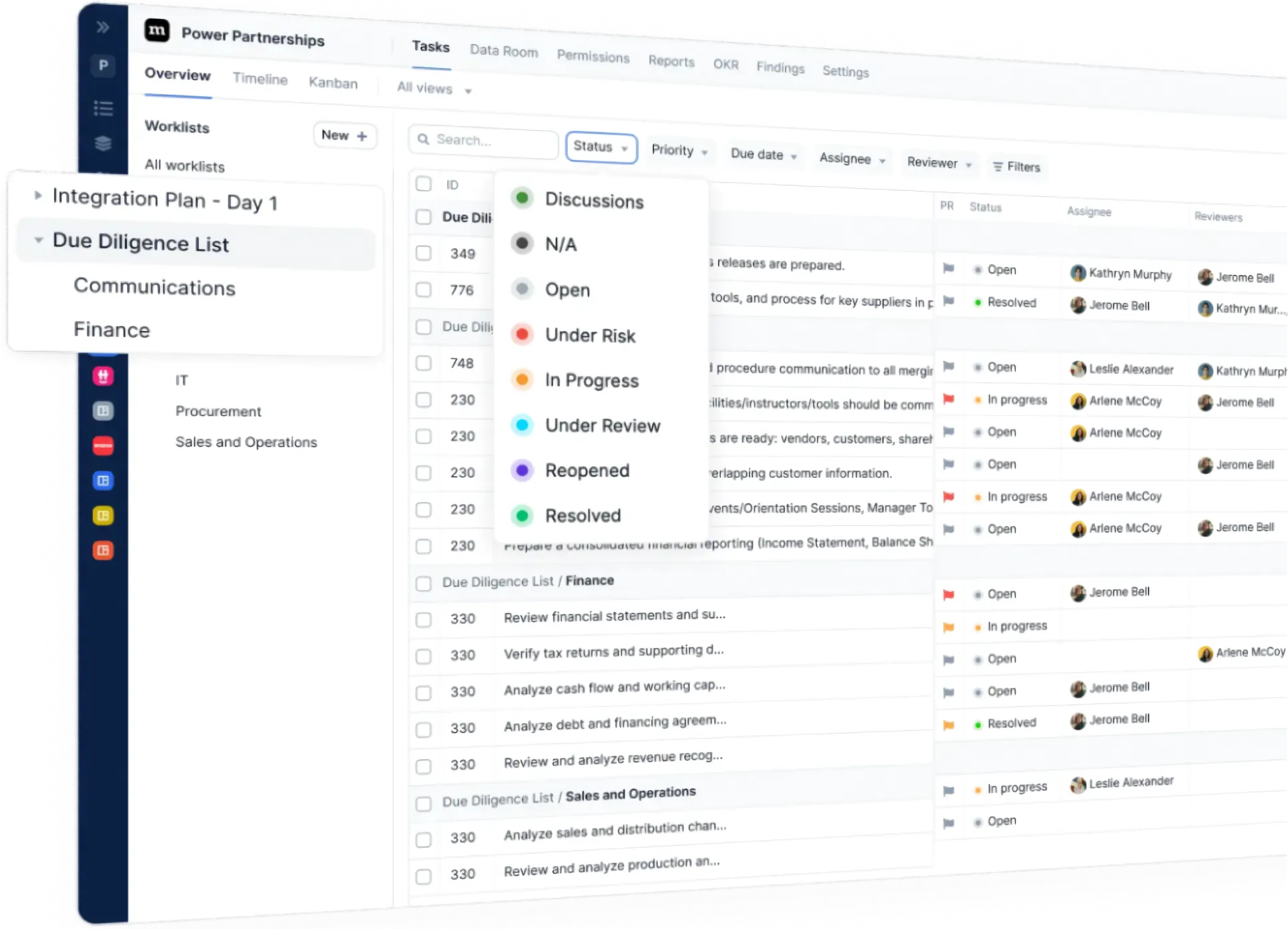
Centralized Platform, Not Siloed Spreadsheets
Excel consists of individual files and workbooks. DealRoom centralizes pipeline tracking, due diligence, secure data rooms, collaboration, and integration planning into a single platform. Say goodbye to countless spreadsheets, scattered trackers, and endless email threads.

DealRoom vs Excel: The Breakdown



.webp)
.svg)
What This Means for You
- Excel is a tool. DealRoom is a platform built for Buyer-Led M&A™. Excel is just a tool that you can use to help you do deal work. But Excel wasn’t designed for managing M&A transactions. DealRoom is an end-to-end M&A platform designed specifically for pipeline management, diligence, workflows, and reporting. It allows your team to automate and streamline your deal processes without having to cobble custom workflows together using spreadsheets.
- DealRoom has built-in deal workflows, not spliced together templates. Replace spreadsheets, trackers, and manual to-do lists with dynamic diligence workflows, embedded playbooks, reviewer assignments, and automation that saves you time manually coordinating and follow-up.
- You can update dozens of deals at once, not rewrite macros and formulas. DealRoom’s multi-project automation updates multiple deals at once. Doing it in Excel requires custom macros, formulas, or a Power Query setup that you need a developer to build and maintain.
- Teams collaborate with the right people and security, not cumbersome manual sharing. With advanced permissions, role-based access, and integrated VDR, teams can share only what they need to. There’s no trying to manage version control and permissions for dozens of people on a spreadsheet.
- Reports can be generated quickly and operationalized. Looker-powered BI reporting, on-demand or scheduled reporting, and access to an in-house BI specialist mean DealRoom makes insights simple to create and share. No need for Excel mastery or full-time Power BI professionals.
- Build AI workflows for deal activities and documents. DealRoom’s AI was trained on M&A deal activities like contract analysis, diligence, and playbooks. It’s not trying to be a jack-of-all-trades productivity AI.
- You have access to deal experts. DealRoom’s customer success managers are experts at helping teams work faster and avoid expensive errors. When was the last time Microsoft Office helped you close a deal?

See DealRoom In Action
Say goodbye to spreadsheet chaos and reduce friction on your deals. Learn how DealRoom can streamline your deals in under 3 minutes.









Features Loved by 250+ M&A Teams
Purpose-built features designed to replace spreadsheet madness with a deal process that’s faster, cleaner and more collaborative.
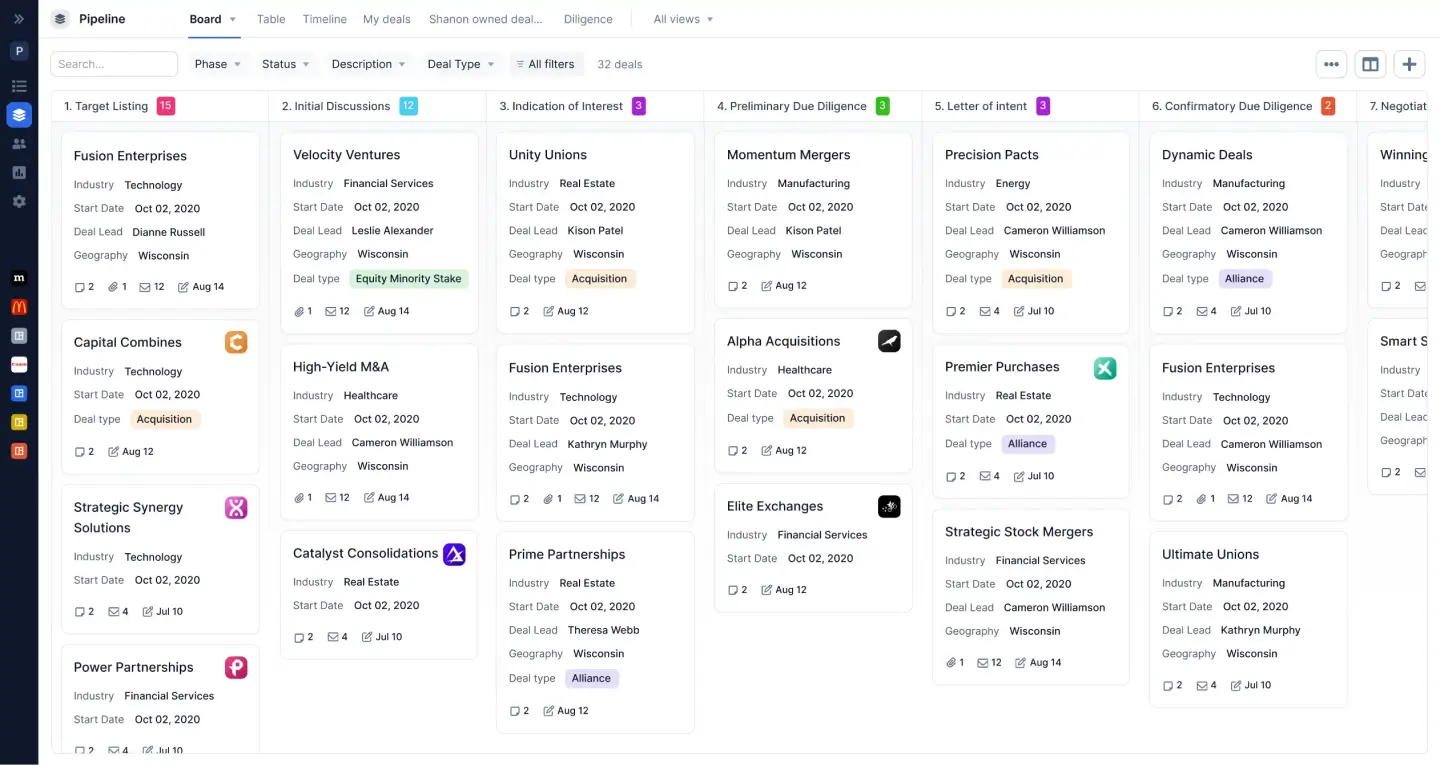
Complete Deal Lifecycle
Manage your complete deal lifecycle, from sourcing to diligence to post-close integration, without juggling disjointed tools or awkward workflows.
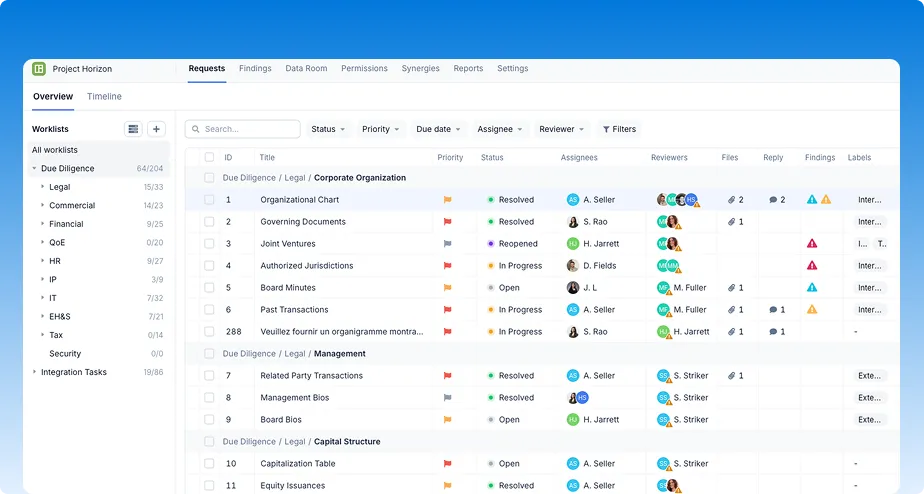
Built-in Intelligence
Eliminate tedious manual tasks with AI that can auto-assign tasks, extract data from docs, and highlight your next steps—all so you can move your deals forward faster.
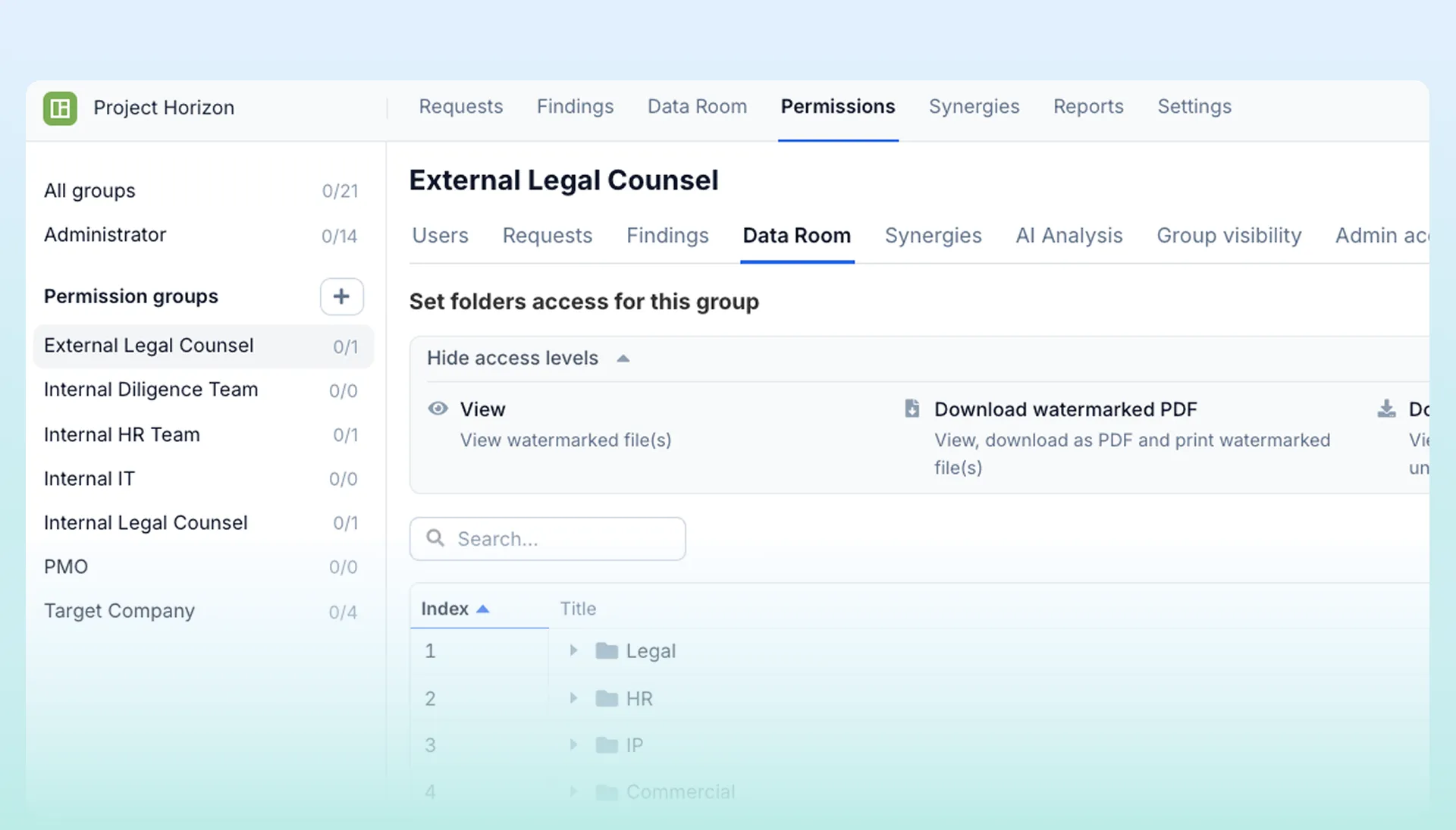
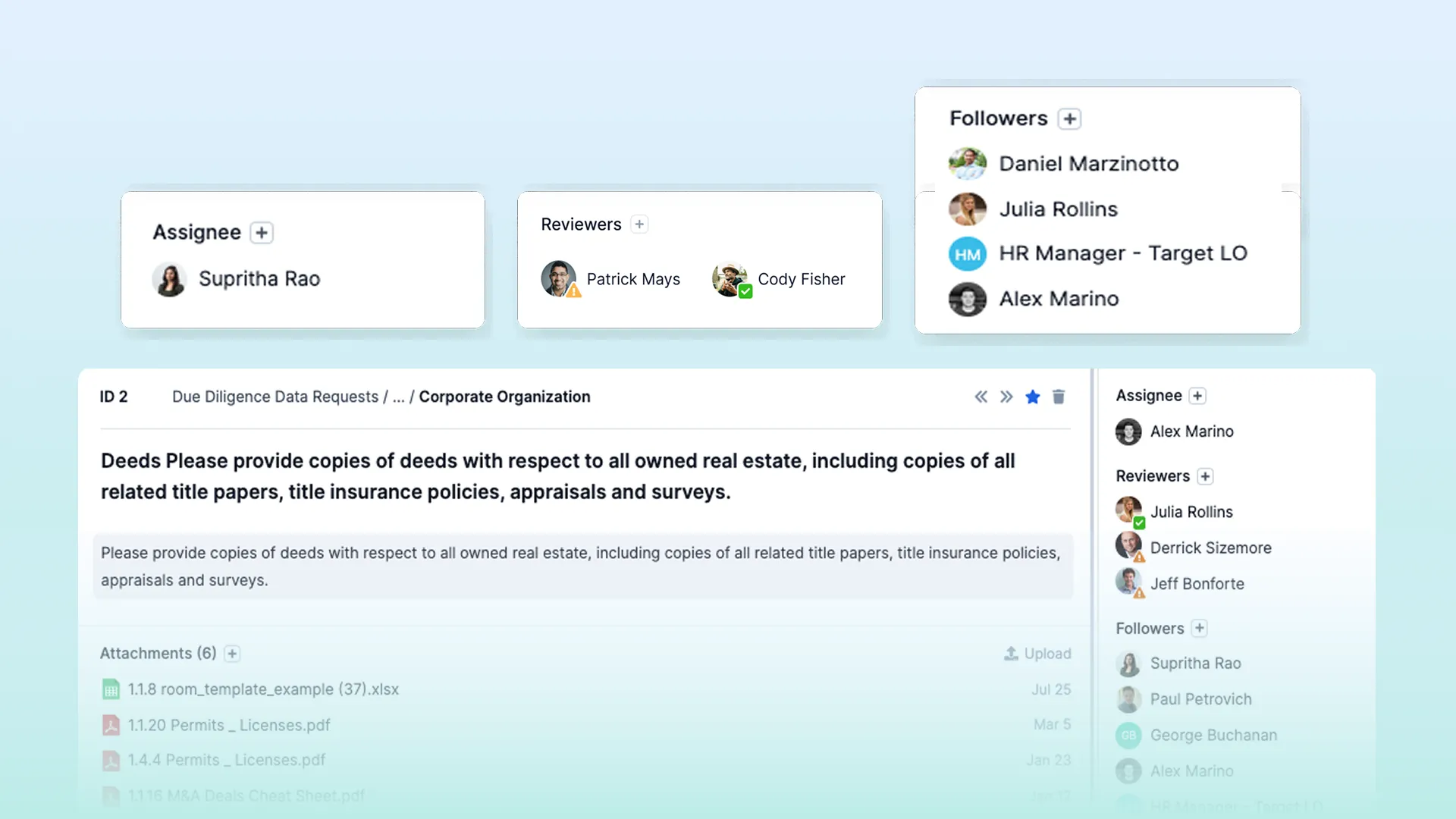
Layered Permissions
Set permissions by room, folder or request level to ensure sensitive data is always shared with appropriate stakeholders and nothing more.
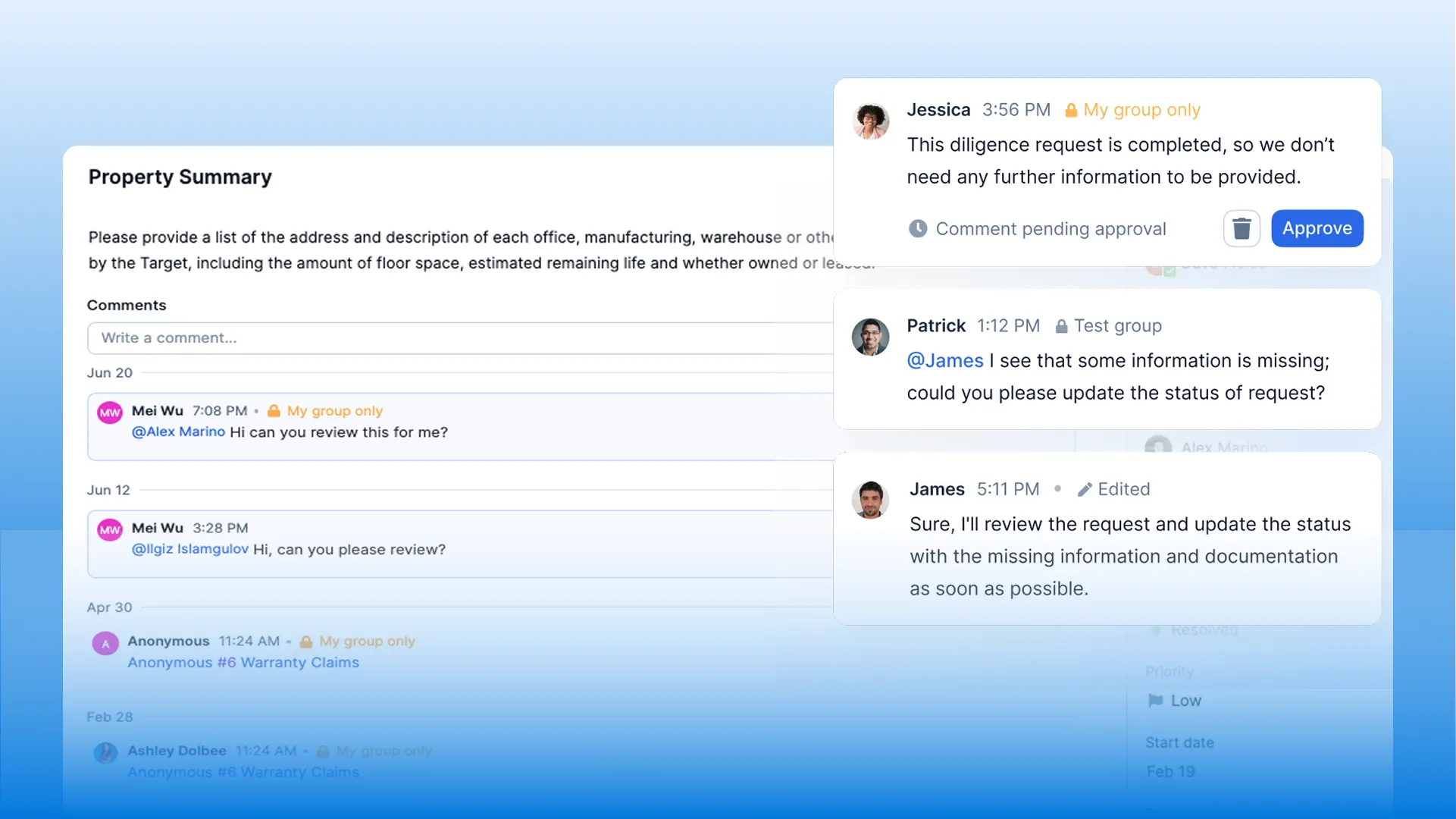
Centralized Communication
Keep all of your docs, tasks, comments, and conversations in one central location so your team never has version confusion or loses track of who said what.
Automate Manual Work to Save Time
Automate the spreadsheets, maintenance of trackers, and manual follow-ups with workflows that save your team time throughout the deal process.
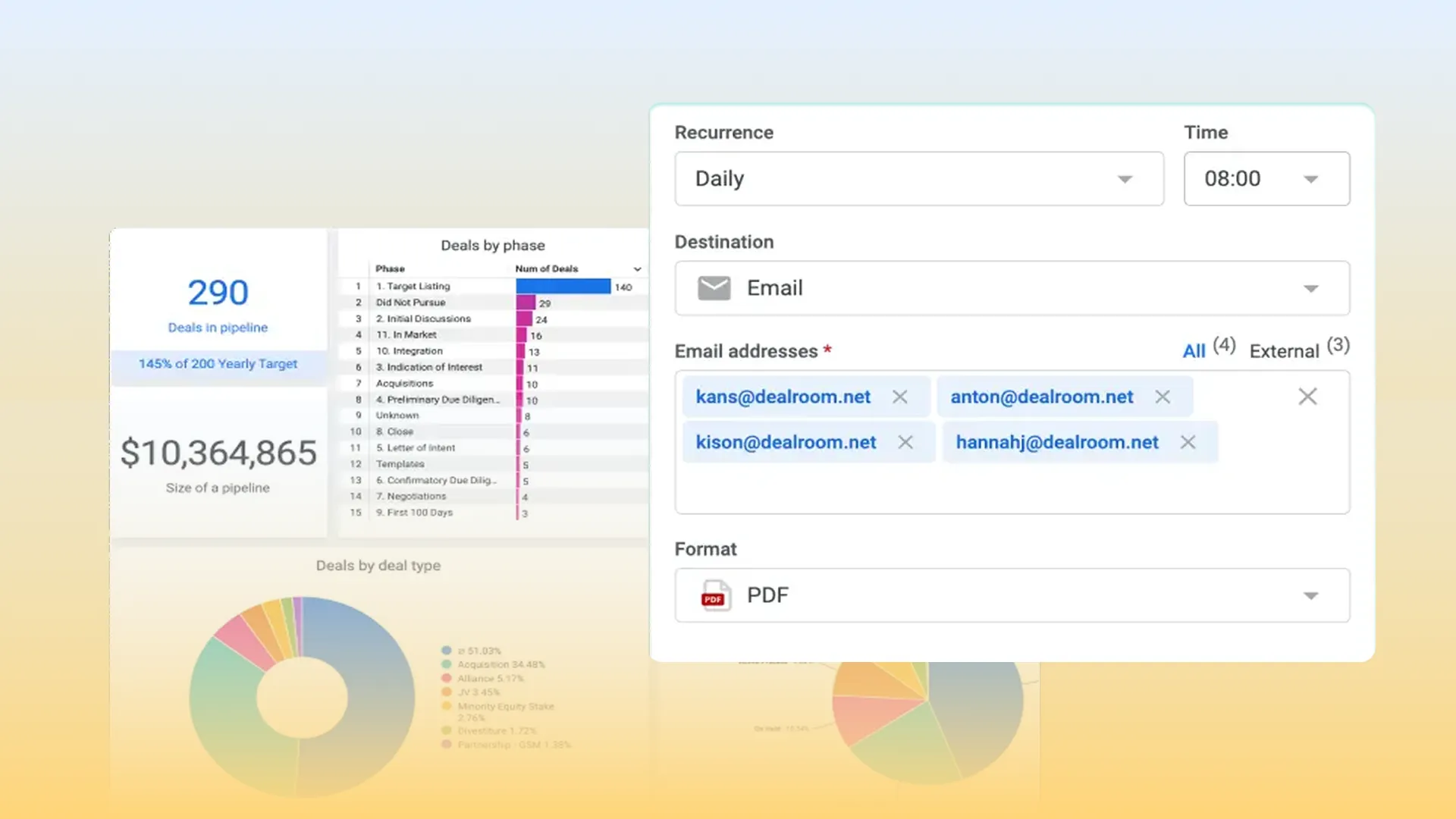
Custom Reporting & Dashboards
Gain visibility into deal progress, activity and risk with live dashboards and automatic reports that you can schedule to deliver on time, every time.
Switching from Excel to DealRoom? Here’s What You Gain
- Multiple spreadsheets, folders, and email threads are replaced by one complete platform
- Granular controls and permissions with unlimited users
- Accelerate your diligence process with automated request lists and real-time task tracking
- Gain visibility into integration and execution of projected synergies post-close
- Workflows are built around deals, and pricing is transparent, not hidden in endless modules and upgrades
You’ve Compared. Ready to See It in Action?
Already compared tools? Meet with us to see why deal teams love DealRoom. Schedule your personalized demo.






.avif)